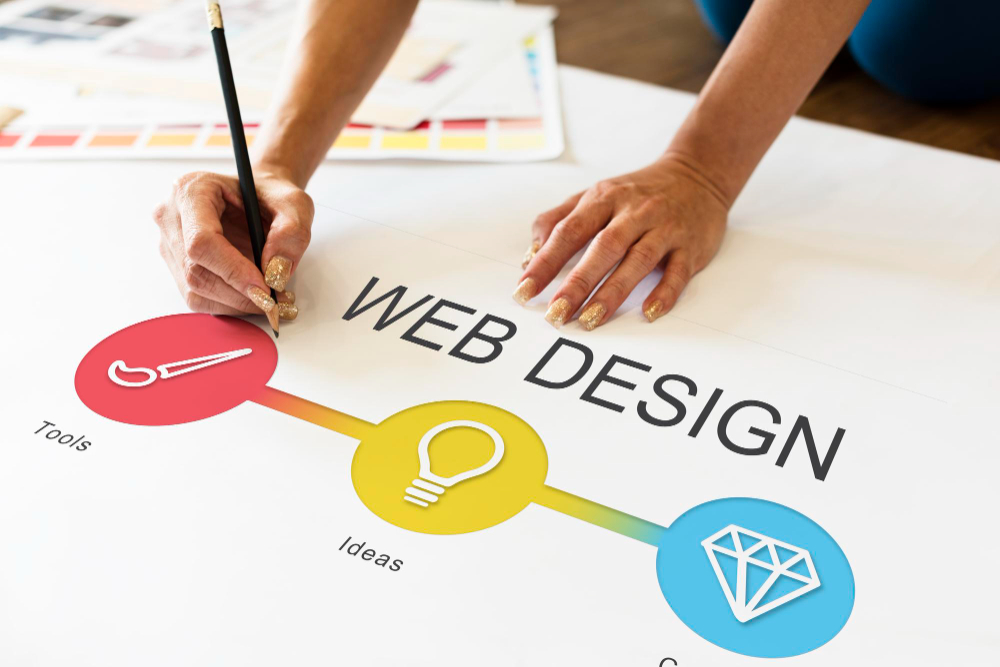
Website design is a crucial stage that determines not only its appearance but also its functionality and usability. A well-thought-out design can attract and retain visitors, convert them into customers, and improve the overall user experience. Below, I explain some essential elements to consider when designing your WordPress website.
1. Definition of Objectives
Before starting the design process, it's essential to define the site's objectives. Ask yourself what you want to achieve: Is it an informational site, a portfolio, an online store? Having a clear purpose for the site will help you make more effective decisions regarding design and content.
2. Site Structure
A good structure is key to user navigation. Organize your content into clear and accessible sections. Consider creating a main menu that includes the most important pages such as "Home," "About Me," "Services," "Portfolio," "Blog," and "Contact.".
3. Choosing the Topic
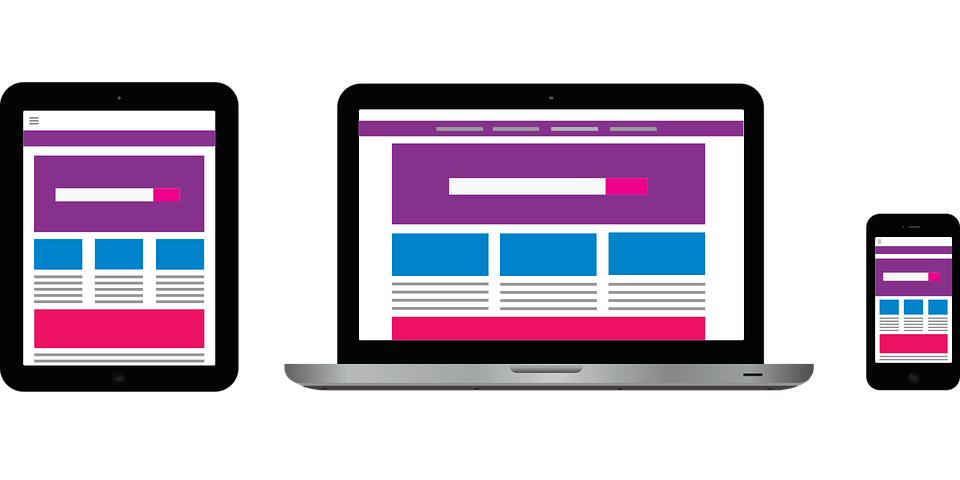
The theme you choose will establish the visual foundation of your site. Personally, I prefer to use Futurio , a versatile theme that adapts to different types of sites. Make sure you select a responsive theme, meaning it looks good on both mobile and desktop devices.
4. Customization with Elementor
Using Elementor , you can easily customize every page of your site. This tool lets you drag and drop elements, adjust styles, and create unique designs without any coding. This is where you can truly add your personal touch to the site.
5. Visual Consistency
Maintain consistency in colors, fonts, and styles throughout the site. Choose a color palette that reflects your brand identity and ensure all pages follow a similar style. This will help create a cohesive user experience.
6. Engaging Content
Content is king. Make sure your writing is clear, concise, and well-structured. Use headings, lists, and short paragraphs to make it easier to read. Also, include relevant images and graphics to make your content more engaging.
7. SEO Optimization
Don't forget to optimize your site for search engines. Use plugins like All in One SEO or Rank Math SEO to improve your on-page SEO. This includes setting up titles, descriptions, and keywords for each page and post.
8. Testing and Adjustments
Before launching your site, conduct thorough testing. Ensure all links are working, there are no typos, and the site displays correctly across different browsers and devices. Ask friends or colleagues for feedback to make any necessary adjustments.
9. Launch and Maintenance
Once you're happy with the design, it's time to launch your site! Remember that website design doesn't end with the launch. It's important to perform regular maintenance, update content, and adjust the design as needed.
Designing your website is a dynamic process that requires attention to detail and a user-centered approach. By following these steps, you can create an attractive and functional website that meets your goals and provides a positive experience for your visitors.